
ESP32 Power Supply Checklist for a Reliable FYP Demo
ESP32 resets and WiFi drops are often power problems. Use this validated checklist before your final year project demo.
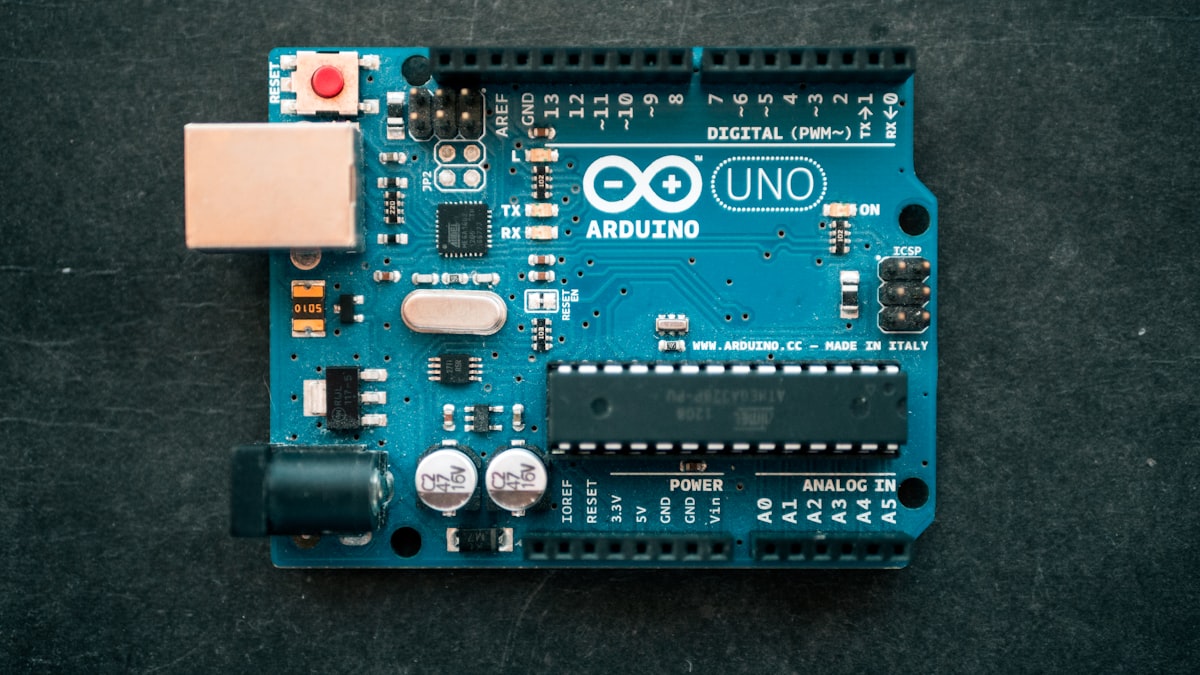
Many ESP32 final year project demos fail for a boring reason: the board is not getting stable power. The code may be correct, the sensor may be working, and the dashboard may be ready, but the ESP32 can still restart when WiFi starts, a relay switches, or a sensor pulls extra current.
This guide is for students preparing an ESP32-based FYP or Projek Akhir Tahun demo in Malaysia. It is based on practical project debugging and official Espressif hardware guidance.
Quick Summary
For an ESP32 demo, do not judge power only by whether the board LED turns on. Test the complete system under real load: WiFi connected, sensors reading, relay active, display on, and dashboard updating.
Espressif's ESP32 hardware design guidance recommends a 3.3 V supply with output current not less than 500 mA for a single supply design. That does not mean every development board should be powered directly from a random 3.3 V pin; many dev boards expect USB or 5 V input through their onboard regulator. Always check your board label and schematic.
Common Symptoms of Weak Power
- ESP32 keeps rebooting when WiFi connects
- Serial Monitor shows brownout or reset messages
- Sensor works alone but fails after adding OLED, relay, GSM, or motor driver
- Blynk, Firebase, MQTT, or HTTP upload works for a while, then stops
- ESP32-CAM captures one image and restarts
- Relay clicks cause the microcontroller to freeze
These symptoms are easy to mistake for coding problems. Before rewriting the whole program, test power first.
Safe Power Checklist
- Use a stable USB cable. Some charging cables are power-only or have high resistance.
- Test with a phone charger or powered USB hub that can supply enough current.
- Do not power motors, pumps, solenoids, relays, or LED strips from the ESP32 3.3 V pin.
- Keep all grounds connected when using separate supplies.
- Add a capacitor near modules that create sudden load changes, especially relay boards, GSM modules, and ESP32-CAM.
- Test the final demo with WiFi active, not just with offline serial output.
- If using a breadboard, check loose jumper wires and weak rail connections.
ESP32 With Relay Modules
Relay projects are popular for home automation, smart irrigation, fan control, and safety systems. The mistake is thinking the relay is only a signal device. The relay coil needs current, and switching loads can create electrical noise.
For an FYP demo, use a relay module with proper driver circuitry and opto-isolation where appropriate. Power the relay module from a suitable 5 V supply if the relay board requires 5 V. Connect ESP32 GND and relay GND if the signal reference requires it.
Avoid switching mains AC directly unless your supervisor has approved the safety method. For classroom demos, low-voltage loads such as LEDs, small DC fans, or demo lamps are safer.
ESP32-CAM Power Warning
ESP32-CAM boards are more sensitive than a normal ESP32 DevKit because the camera and WiFi draw more current during capture and upload. If your ESP32-CAM works from an FTDI programmer sometimes but fails during streaming, power is the first thing to check.
For an FYP, test image capture, SD card writing if used, and WiFi upload together. A camera demo that works only once is not presentation-ready.
What to Record for Your Report
Your report should not only say "the ESP32 is powered by USB." Add evidence:
- Power source used during testing
- Modules connected during final test
- Number of repeated test cycles
- Any reset or brownout issue found
- Final fix, such as better supply, shorter cable, separate motor supply, or capacitor
This makes your troubleshooting look professional instead of accidental.
References Checked
- Espressif ESP32 Hardware Design Guidelines: https://docs.espressif.com/projects/esp-hardware-design-guidelines/en/latest/esp32/schematic-checklist.html
- Rectronx ESP32 component guide: /components/esp32