
ESP32 ADC2 and WiFi Problem: Why AnalogRead Stops Working
ESP32 ADC2 pins can conflict with WiFi. Learn why this happens, which pins to use instead, and how to make analog sensor readings stable in IoT projects.
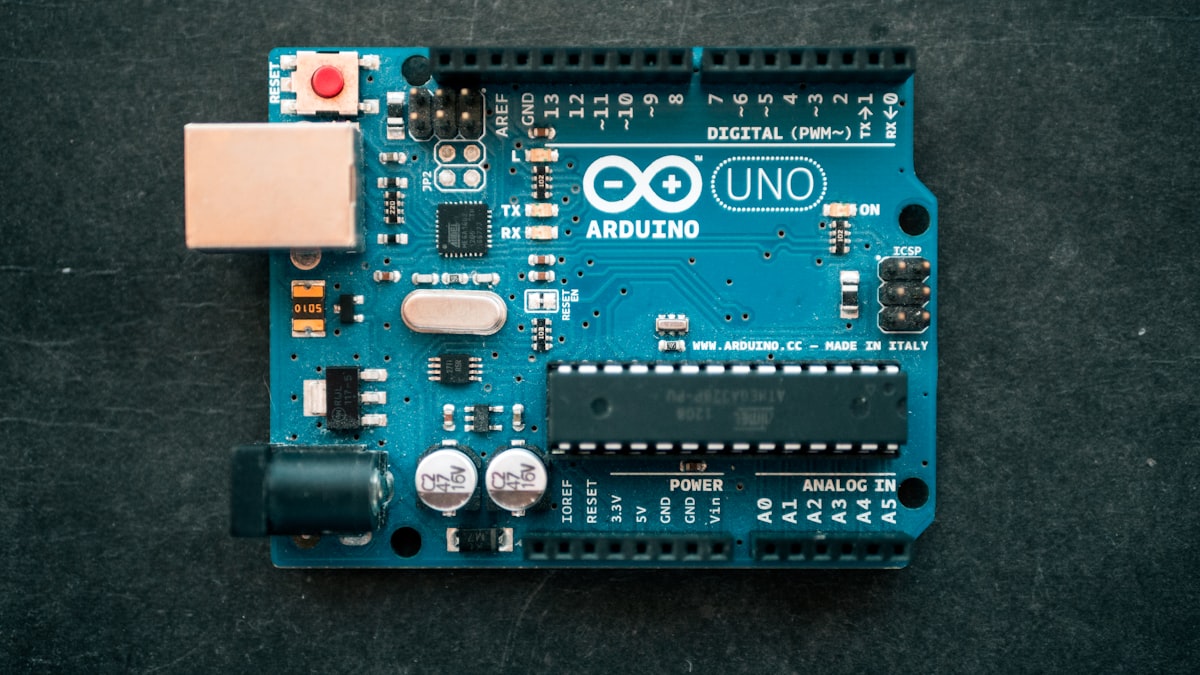
One of the most frustrating ESP32 problems is this: your analog sensor works in a simple test sketch, but the reading becomes wrong or stops after WiFi starts. This is usually not a sensor problem. It is often an ESP32 ADC2 and WiFi limitation.
For a quick check, use the ESP32 Pinout Tool and filter by ADC. Pins marked ADC2 should be avoided for analog readings when your project uses WiFi.
The Short Version
ESP32 has two analog-to-digital converter groups:
| ADC group | Common pins on DevKit boards | WiFi project advice |
|---|---|---|
| ADC1 | GPIO32, GPIO33, GPIO34, GPIO35, GPIO36, GPIO39 | Prefer these for analog sensors when WiFi is used. |
| ADC2 | GPIO0, GPIO2, GPIO4, GPIO12-GPIO15, GPIO25-GPIO27 | Avoid for analog readings while WiFi is active. |
Espressif documents that ADC2 pins cannot be used normally when WiFi is used. In practical student projects, this means ADC1 is the safer choice.
Example Problem
Imagine you connect an MQ gas sensor analog output to GPIO27. In a basic sketch, analogRead(27) may return values. Then you add Blynk, Firebase, MQTT or HTTP. Suddenly the reading becomes unstable.
GPIO27 is an ADC2 pin. The better move is to connect the analog output to GPIO32 or GPIO33, then update the code.
const int gasPin = 32;

void setup() {
  Serial.begin(115200);
}

void loop() {
  int gasValue = analogRead(gasPin);
  Serial.println(gasValue);
  delay(1000);
}
Best Pins For Analog Sensors With WiFi
For WiFi-based sensor projects, start with:
- GPIO32
- GPIO33
- GPIO34
- GPIO35
- GPIO36
- GPIO39
GPIO34 to GPIO39 are input-only, which is fine for analog sensors. They cannot be used as outputs.
What About GPIO25 and GPIO26?
GPIO25 and GPIO26 are useful because they include DAC output. However, their ADC function is ADC2. If your project needs analog input and WiFi, do not choose them as ADC pins. Use them for other functions only if the wiring makes sense.
How To Fix Existing Wiring
- Check whether your analog sensor is connected to ADC2.
- Move the analog output wire to GPIO32 or GPIO33 if possible.
- Update the pin number in code.
- Test analog readings before WiFi starts.
- Test again after WiFi connects.
- Record both results for your report.
This gives you a cleaner explanation during viva: you selected ADC1 pins because ADC2 can conflict with WiFi.
Final Advice
For ESP32 IoT projects, do not treat all analog pins as equal. If your project sends data online, choose ADC1 first. The fastest way to check is to open the Rectronx ESP32 Pinout Tool, filter by ADC, and avoid ADC2 for WiFi analog readings.