
My ESP32 Keeps Disconnecting From WiFi During the Demo — Here's Why (And the Fix)
ESP32 WiFi dropping mid-demo is one of the most common FYP failures. Here's the actual technical reasoning behind it, and how to fix it before your viva.
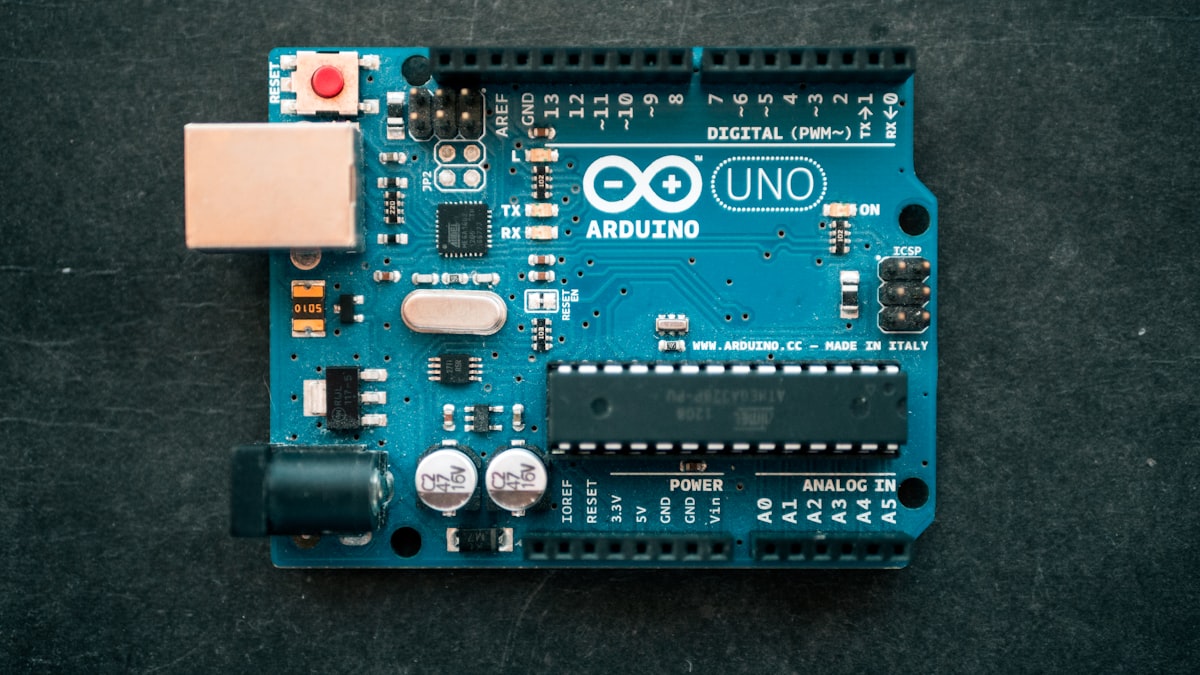
It worked perfectly on your desk for three weeks. Then, in front of the panel, the OLED screen freezes, the dashboard stops updating, and you're standing there explaining a system that's technically dead on stage. This is one of the most common failure modes we see in ESP32-based FYPs, and almost every time, it isn't bad luck — it's one of a small number of well-understood causes.
Cause 1: The Power Supply Can't Handle WiFi's Current Spikes
This is the most common cause and the least suspected one. WiFi transmission on the ESP32 draws short current spikes that can reach several hundred milliamps — well above what the chip needs at idle. If you're powering it from a weak USB cable, a laptop USB port with other devices attached, or a cheap power bank, the voltage can sag just enough during those spikes to trigger the ESP32's built-in brownout detector, which resets the chip. From the outside, this looks exactly like "WiFi disconnected," but the real cause is a power dip, not a network issue.
The fix: power from a good quality USB cable (thin, long cables have real resistance) and a proper 5V/1A or better supply, not a keyboard or hub port. Add a 470–1000µF capacitor across the ESP32's power pins if you're powering it through a breadboard — breadboard contact resistance alone can cause this.
Cause 2: You're Trying to Connect to a 5GHz Network
The ESP32 only supports 2.4GHz WiFi — it has no 5GHz radio at all. If the exam hall's WiFi is a dual-band network and your device happens to associate with the 5GHz band by SSID name, or if a venue only broadcasts a 5GHz-only guest network, the ESP32 simply can't connect to it, no matter how correct your code is.
The fix: confirm the SSID you're connecting to is explicitly the 2.4GHz band (venues doing WiFi properly), and test on the exact network you'll use for viva ahead of time rather than assuming your home WiFi behaves the same way.
Cause 3: Modem Sleep Is Interfering With Your Timing
By default, the ESP32's WiFi radio uses a power-saving mode that periodically sleeps between beacon intervals to save power. For most applications this is invisible, but if your code has tight timing assumptions (reading a sensor and pushing data in a tight loop with short delays), the radio waking from sleep can introduce enough lag to cause missed packets or apparent disconnects.
The fix: disable modem sleep explicitly with WiFi.setSleep(false); right after WiFi.begin(). This is a one-line fix that resolves a surprising number of "random disconnect" reports.
Cause 4: Too Many Devices on the Venue's WiFi
Exam halls and presentation rooms often have dozens of students' phones and laptops on the same access point simultaneously. Consumer-grade routers have real limits on simultaneous associated clients, and DHCP lease pools can run out. Your ESP32 may fail to even get an IP address, which looks identical to a mid-demo disconnect if it happens after an initial successful connection during setup.
The fix: where possible, bring your own dedicated hotspot (a phone's mobile hotspot works well) instead of relying on venue WiFi. It removes an entire category of failure you don't control.
Writing Reconnection Logic So a Drop Isn't a Disaster
Even after fixing the root cause, build in recovery so a transient drop doesn't kill your demo:
void loop() {
  if (WiFi.status() != WL_CONNECTED) {
    WiFi.reconnect();
    delay(500);
    return;  // skip this cycle, try again next loop
  }
  // normal sensor read + dashboard push logic here
}
This alone turns "the whole system crashed" into "it reconnected in half a second and nobody noticed."
If It Still Happens During Viva
Don't restart the whole board repeatedly in front of the panel — that reads as panic. Briefly explain what's likely happening (as covered in our guide on what examiners actually look for) and let the reconnection logic do its job. A calm "this is a known WiFi timing issue, here's what's happening and here's the fallback" is a stronger answer than most students realise.
If you're still building out your project's networking layer, our ESP32 getting started guide and Blynk integration walkthrough cover the setup fundamentals this fix builds on.
Looking for more inspiration? Browse 500+ FYP project titles by category and get a free quote.