
ESP32 DevKit V1 30 Pin vs 38 Pin: Which Board Should Students Use?
Compare ESP32 DevKit V1 30-pin and 38-pin boards for student projects, including pin availability, breadboard use, documentation and FYP demo reliability.
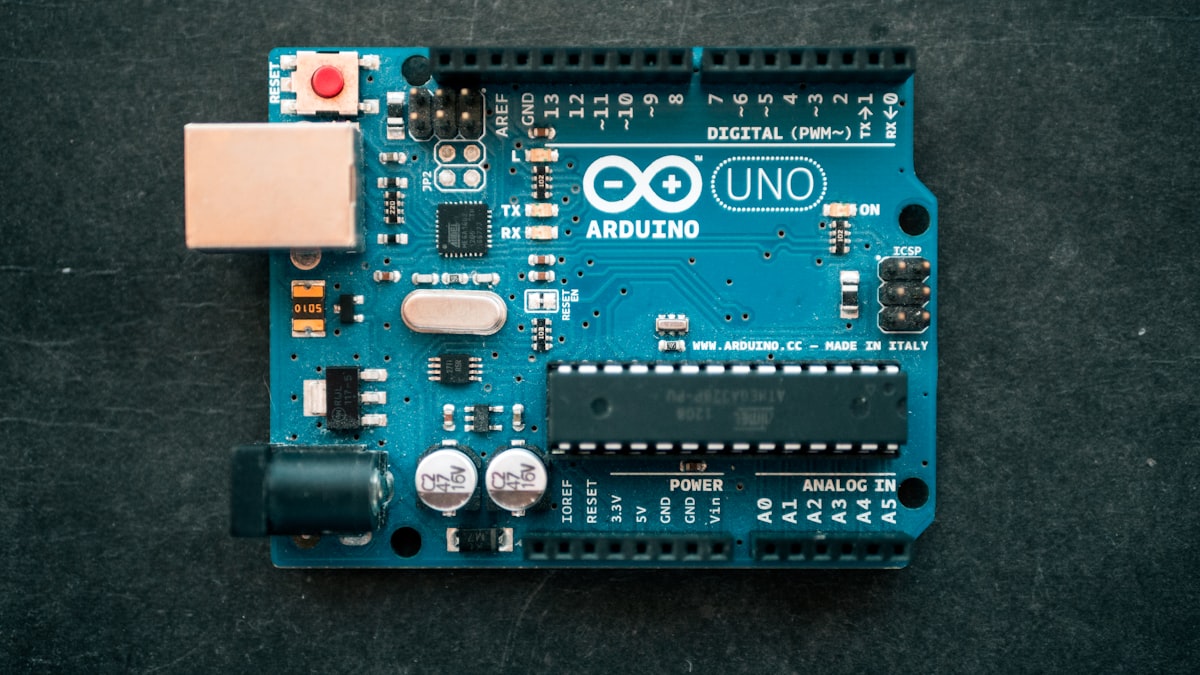
When buying ESP32 boards, students often see 30-pin and 38-pin DevKit versions. Both can work for IoT projects, but the layout difference matters when following diagrams, plugging into breadboards and explaining the wiring in your report.
The Rectronx ESP32 Pinout Tool focuses on the common 30-pin ESP32 DevKit V1 style. If your board has 38 pins, the same ESP32 technical cautions still apply, but the physical header layout may differ.
Main Difference
| Item | 30-pin ESP32 DevKit | 38-pin ESP32 DevKit |
|---|---|---|
| Size | Usually narrower | Usually wider |
| Breadboard use | Often easier | Can cover more breadboard rows |
| Exposed pins | Fewer pins exposed | More pins exposed |
| Beginner diagrams | Very common | Also common, but layout varies |
| FYP advice | Good choice for most projects | Good if you need more exposed pins |
For most student IoT projects, the 30-pin board is enough. DHT11, OLED, GPS, relay, MQ sensor and Blynk projects do not need every ESP32 pin.
Why Board Layout Matters
ESP32 diagrams on the internet are not always for the same board. A pin label may exist on the chip, but the physical header position can change between board versions.
Before wiring:
- Check the label printed on your exact board.
- Confirm the GPIO number, not only the D-label.
- Use a pinout tool or board diagram that matches your board style.
- Test one module at a time.
Technical Cautions Are Still The Same
Whether your board is 30-pin or 38-pin, these ESP32 facts remain important:
- GPIO0, GPIO2, GPIO5, GPIO12 and GPIO15 are strapping pins.
- GPIO34 to GPIO39 are input-only.
- ADC2 can conflict with WiFi.
- GPIO6 to GPIO11 are usually connected to flash and should not be used for normal wiring.
This is why the ESP32 Pinout Tool highlights boot, ADC and input-only warnings instead of only drawing a board.
Which Board Should You Buy?
Choose 30-pin ESP32 DevKit V1 if:
- You are building a normal IoT FYP.
- You want easier breadboard wiring.
- Your project uses common modules like DHT11, OLED, relay, GPS or MQ sensor.
- You want fewer exposed pins to confuse the team.
Choose 38-pin ESP32 DevKit if:
- You need more exposed pins.
- You already have a wiring diagram for that exact board.
- Your supervisor or lab already uses that board.
Final Recommendation
For most Malaysian FYP students, the 30-pin ESP32 DevKit V1 is a practical starting point. It is cheap, common and enough for many IoT prototypes.
The bigger win is not choosing the largest board. The bigger win is choosing stable pins, testing reset behavior and documenting why each pin was selected.
Start with the ESP32 Pinout Tool, then build your wiring table before connecting modules.